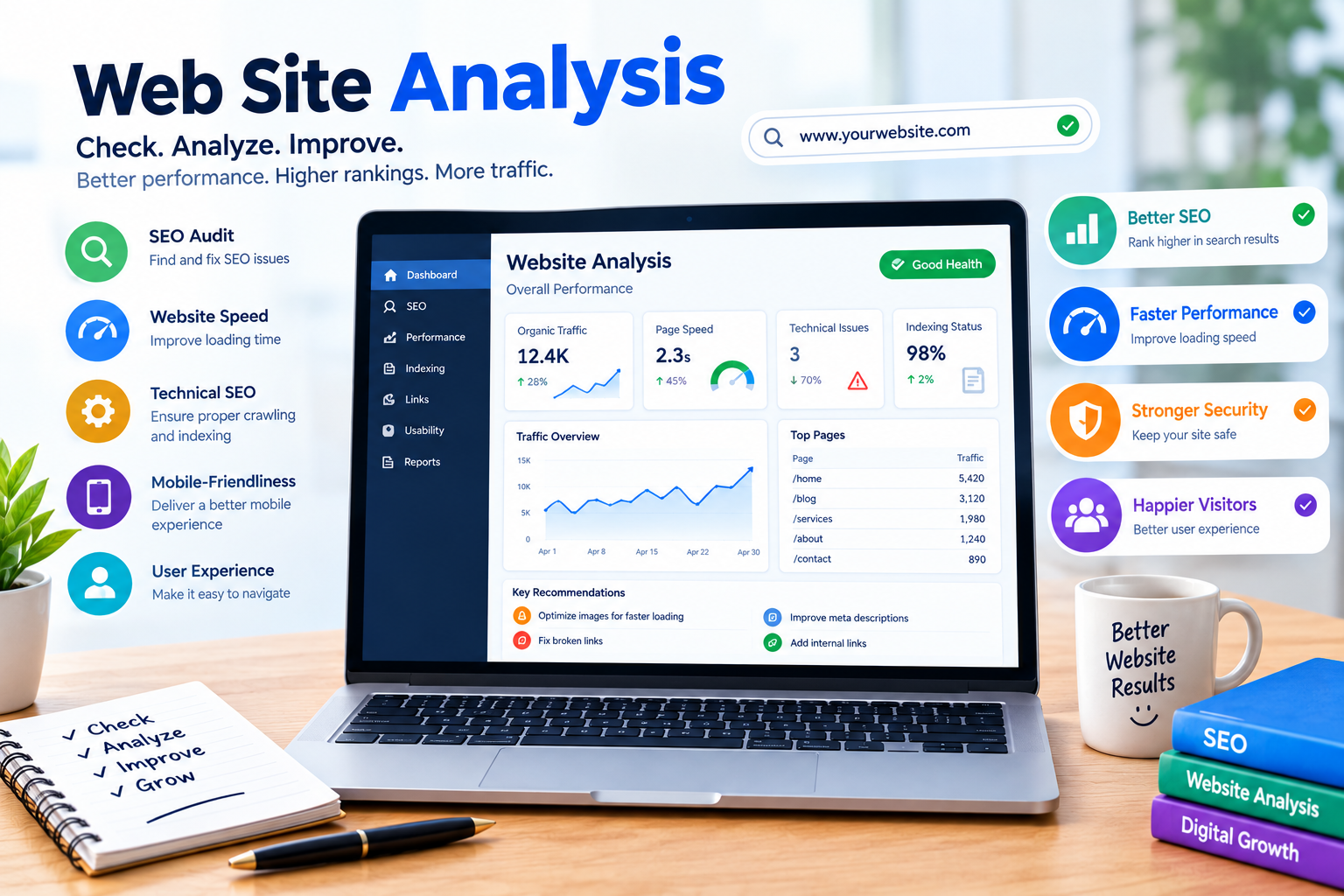
In today’s digital world, having a website is an important step for businesses, bloggers, and individuals who want to build an online presence. However, simply creating a website is not enough. You need to understand how your website performs, whether users can navigate it easily, and how well it follows search engine optimization (SEO) practices.
Web Site Analysis is the process of examining different parts of a website to identify its strengths, weaknesses, and opportunities for improvement. It helps you understand website performance, technical issues, content quality, user experience, and search engine visibility.
Whether you are a beginner learning SEO or a website owner trying to increase organic traffic, website analysis can help you make informed decisions. By using the right tools and reviewing important SEO factors, you can improve your website’s overall performance.
In this blog, we will explain what web site analysis is, why it matters, the important areas to check, and how to analyze a website effectively.
What Is Web Site Analysis?
Web Site Analysis is the process of evaluating a website’s technical performance, content, SEO elements, and user experience. It helps identify issues that may affect how visitors use the website and how search engines discover and understand its pages.
A website analysis may include checking page loading speed, mobile responsiveness, keyword usage, internal links, website security, and indexing.
For example, imagine you have a blog about SEO. Your website may contain useful articles, but if pages load slowly or important content is difficult to access, visitors may have a poor experience. A website analysis can help you identify these areas for investigation.
The purpose of website analysis is not simply to collect scores. It is to understand what can be improved and prioritize changes that provide meaningful value.
Why Is Web Site Analysis Important for SEO?
Website analysis plays an important role in understanding your website’s search performance and overall quality. It can help you discover problems and plan improvements based on available data.
1. Identify Technical SEO Issues
Technical SEO focuses on aspects of a website that help search engines crawl, access, and understand its content.
During a website audit, you can review issues such as broken links, incorrect redirects, indexing problems, and missing important pages.
For example, if an important blog page is blocked from being crawled or has an incorrect noindex directive, it may not appear in Google Search as expected.
Technical SEO analysis helps you investigate these problems and determine whether corrective action is necessary.
2. Improve Website Performance
Website speed and performance affect how users interact with your website. A slow-loading page may make it difficult for visitors to access content, particularly on mobile devices or slower internet connections.
Website analysis tools can help you review performance metrics and identify opportunities to improve loading times.
Some areas you can check include:
- Image file sizes.
- Unnecessary scripts.
- Server response time.
- Browser caching.
- Core Web Vitals.
- Mobile performance.
Improving speed should focus on real user experience and reliable measurements rather than trying to achieve a perfect score in every tool.
3. Understand User Experience
User experience refers to how easily visitors can use and navigate your website. A well-organized website helps users find information without unnecessary difficulty.
During web site analysis, check whether your navigation is clear, text is readable, buttons work properly, and pages display correctly on different screen sizes.
A positive user experience can help visitors engage with your content and complete actions such as reading an article, submitting a form, or contacting a business.
Important Areas to Check During Website Analysis
A complete website audit includes several areas. Reviewing these factors gives you a broader understanding of your website’s performance.
On-Page SEO
On-page SEO involves optimizing the content and elements of individual web pages. During analysis, review your page titles, headings, meta descriptions, URLs, and content relevance.
Make sure each important page has a clear topic and uses keywords naturally. Your focus keyword should appear where appropriate, but avoid unnecessary repetition.
Internal linking is another important factor. Link related pages when it helps visitors discover useful information and understand the structure of your website.
Mobile-Friendliness
Many people access websites through smartphones, so your website should be easy to use on smaller screens.
Check whether your website’s text is readable, buttons are accessible, images fit the screen, and navigation works properly on mobile devices.
You can use Google’s mobile-related testing and performance resources, along with real device testing, to identify usability concerns.
Website Security
Website security is an important part of maintaining a reliable online presence. Check whether your website uses HTTPS and whether its security certificate is valid.
HTTPS helps protect information transferred between the browser and website when properly configured. You should also keep your content management system, plugins, and themes updated when applicable.
Security issues should be investigated promptly because they can affect both visitors and website operations.
Best Tools for Web Site Analysis
Using website analysis tools makes it easier to collect information and identify potential improvements. Different tools focus on different areas of website performance.
1. Google Search Console
Google Search Console is a free tool that helps website owners monitor their performance in Google Search.
You can use it to review search queries, clicks, impressions, average position, and indexing information.
Search Console is especially useful for understanding how your existing website pages appear in Google Search. It does not provide a complete audit of every website factor, so combine it with other analysis methods.
2. Google PageSpeed Insights
Google PageSpeed Insights is a tool that analyzes the performance of web pages on mobile and desktop devices.
It provides performance information and recommendations related to page loading and user experience. It also reports Core Web Vitals data when sufficient real-user data is available.
Use the recommendations to investigate performance issues rather than treating the score as the only measure of website quality.
3. Semrush
Semrush offers website auditing and SEO analysis features. Its Site Audit tool can help users investigate technical SEO issues, crawlability, and other website factors.
The available features and crawl limits depend on the subscription plan. It can be useful for organizing website audit findings and monitoring changes over time.
How to Perform Web Site Analysis Step by Step
Follow these steps to begin analyzing your website.
Step 1: Check Your Website’s Basic Functionality
Open your website on desktop and mobile devices. Visit important pages and check whether links, menus, forms, and images work correctly.
Step 2: Review Technical SEO
Use an appropriate audit tool to identify crawling, indexing, redirect, and broken-link issues. Investigate the causes before making changes.
Step 3: Analyze Website Speed
Run important pages through a performance analysis tool. Review the recommendations and prioritize improvements that may benefit your visitors.
Step 4: Check On-Page SEO
Review page titles, headings, URLs, internal links, and content quality. Make sure each page matches the search intent of its target audience.
Step 5: Review Search Performance
Use Google Search Console to analyze clicks, impressions, and search queries. Identify pages that may need content improvements or further investigation.
Step 6: Create an Improvement Plan
Prepare a list of identified issues and prioritize them based on importance, impact, and available resources. Recheck your website after making changes.
Common Web Site Analysis Mistakes
One common mistake is focusing only on SEO scores. A high score does not guarantee better rankings, more traffic, or a better user experience.
Another mistake is making too many changes at once. If you change your title, content, links, and technical settings simultaneously, it can become difficult to understand which changes affected your results.
Avoid ignoring content quality and search intent. Technical improvements are important, but your website should also provide helpful and relevant information.
Finally, do not assume that every warning requires immediate action. Review each issue, understand its relevance, and prioritize meaningful improvements.
Conclusion
Web Site Analysis is an important part of search engine optimization and website management. It helps you evaluate technical SEO, content quality, website speed, security, and user experience.
Tools such as Google Search Console, Google PageSpeed Insights, and Semrush can support different parts of the analysis process. However, no single tool provides a complete picture of your website’s performance.
To improve your website, regularly review important pages, investigate technical issues, create helpful content, and monitor search performance. A consistent website analysis process can help you identify opportunities and build a stronger foundation for long-term SEO growth