If you own a website or blog, understanding how people discover your content through Google is essential for improving your online visibility. Creating content is only the first step in search engine optimization (SEO). You also need to monitor how your website appears in search results, whether Google can index your pages, and which keywords bring visitors to your site.
Search Console is a free tool from Google that helps website owners understand their website’s performance in Google Search. It provides useful information about search queries, clicks, impressions, average position, and indexing issues.
Whether you are an SEO beginner, blogger, or business owner, Google Search Console can help you make data-informed decisions and identify areas where your website can improve.
In this guide, you will learn what Search Console is, how it works, its important features, and how to use it as part of your SEO strategy.
What Is Search Console?
Search Console is a free Google service that allows website owners to monitor and troubleshoot their website’s presence in Google Search. It provides information about how Google discovers, crawls, and indexes your website.
Unlike some third-party SEO tools, Search Console provides search performance data directly from Google’s search system for your verified website property.
You can use it to:
- Monitor organic search traffic.
- Discover search queries that bring visitors to your website.
- Check whether pages are indexed.
- Identify certain technical and security issues.
- Submit sitemaps.
- Analyze website search performance.
For example, if you publish a blog about SEO tools, Search Console can help you see whether users find your page through queries related to free SEO tools, keyword research, or website optimization.
Why Is Google Search Console Important for SEO?
Search Console helps you understand what happens after you publish content. You can use its reports to review search visibility and identify opportunities to improve your website.
1. Monitor Website Performance
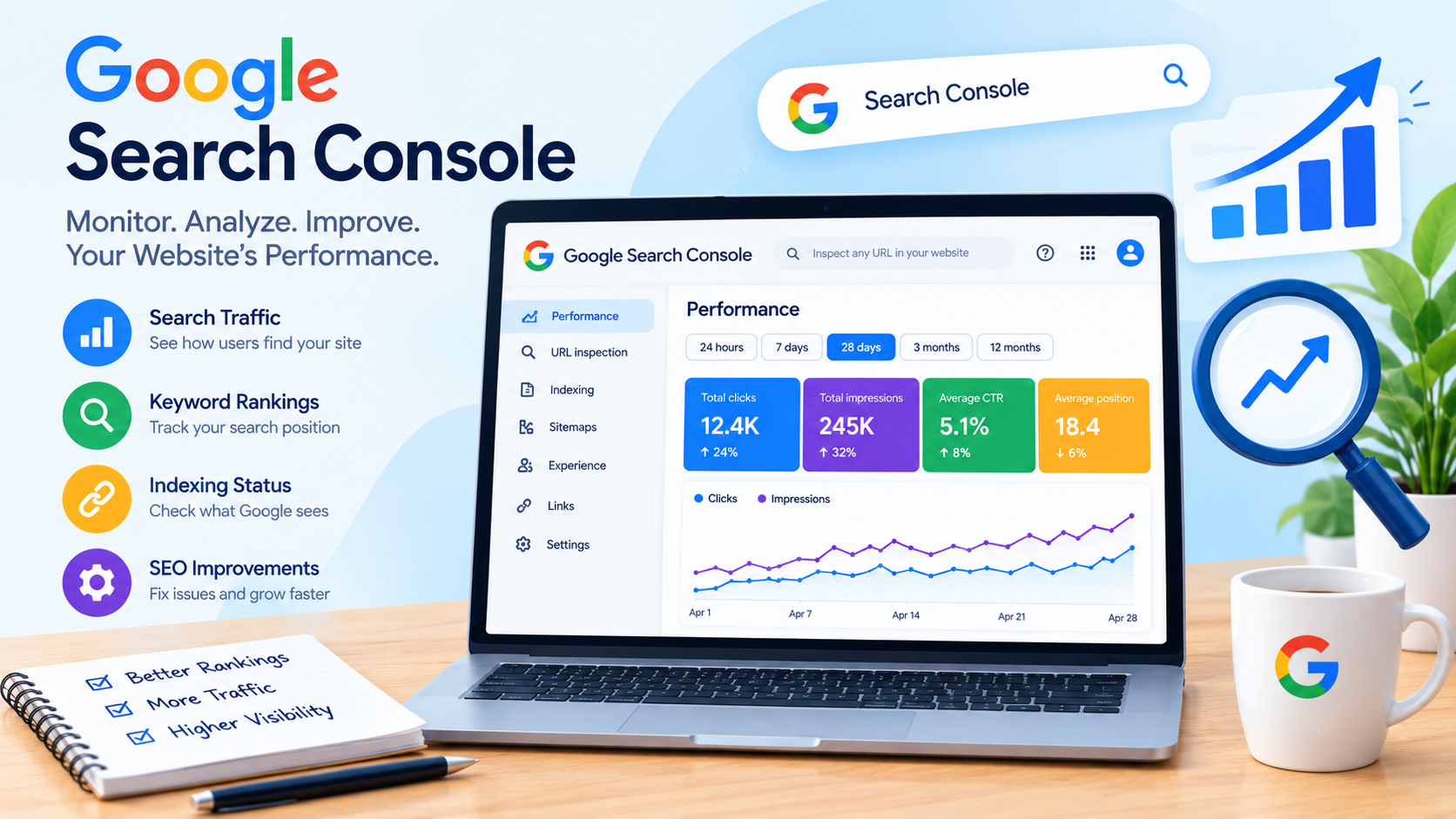
The Performance report provides information about how your website appears in Google Search. You can review clicks, impressions, click-through rate (CTR), and average position.
These metrics help you understand how users interact with your website in search results. For example, a page may receive many impressions but relatively few clicks. You can investigate whether the search intent, title, or page content aligns with what users are looking for.
Search Console data should be analyzed over time rather than relying on a single day’s results.
2. Identify Search Queries
Search queries are the words or phrases users enter into Google. Search Console helps you discover queries associated with your website’s search performance.
This information can support keyword research and content planning. You may discover that a blog receives impressions for related keywords that you did not specifically target.
You can use these insights to improve existing content or plan new articles that answer relevant user questions.
3. Check Website Indexing
Google needs to discover and index your pages before they can generally appear in its organic search results. Search Console includes indexing reports that help you understand the status of your pages.
The Page Indexing report can show indexed pages and certain pages that Google has not indexed, along with reasons or information for investigation.
Not every page needs to be indexed, and an exclusion is not always an error. Review the specific reason before making changes.
How to Set Up Search Console for Your Website
Setting up Google Search Console is an important step for beginners who want to monitor their SEO performance. Follow these steps to get started.
Step 1: Visit Google Search Console
Open the official Google Search Console website and sign in with your Google account.
Step 2: Add Your Website
Click the property selection option and add your website. You can choose between a domain property or a URL-prefix property, depending on your setup and verification method.
Step 3: Verify Ownership
Google requires you to verify that you own or have permission to manage the website. The available verification methods depend on the property type.
Step 4: Open Your Website Dashboard
After verification, access your website property to explore performance, indexing, and other reports.
Important Features of Search Console
Google Search Console includes several features that support website monitoring and SEO analysis.
Performance Report
The Performance report shows how your website performs in Google Search. You can review search queries, pages, countries, and other dimensions.
Important metrics include:
- Total clicks: How many clicks your website received from Google Search.
- Total impressions: How many times your website’s search results were shown.
- Average CTR: The average percentage of impressions that resulted in clicks.
- Average position: The average position of your website’s search results in the reporting data.
These metrics can help you evaluate your content’s search performance.
URL Inspection Tool
The URL Inspection tool allows you to inspect information about a specific URL on your website. It can provide details about indexing, crawl information, and other available Google Search data.
You can use this tool when you want to investigate whether a particular blog page is indexed or request a recrawl after making changes. A recrawl request does not guarantee immediate indexing or improved rankings.
Sitemaps
A sitemap helps search engines discover URLs on your website. Search Console allows you to submit a sitemap and review related processing information.
For a blog website, a sitemap can support the discovery of important pages. However, submitting a sitemap does not guarantee that every URL will be indexed.
Page Experience and Core Web Vitals
Search Console provides reports related to page experience and Core Web Vitals, where applicable. These reports help website owners review aspects of user experience, including loading performance, responsiveness, and visual stability.
Technical SEO improvements should support both search engine accessibility and a positive experience for visitors.
How to Use Search Console to Improve SEO
Using Search Console effectively requires regular analysis and practical improvements. Start by identifying pages that receive impressions but fewer clicks than expected. Review their titles, content relevance, and search intent without making unnecessary changes.
Next, examine your top-performing pages and the queries associated with them. This can help you understand which topics interest your audience and guide future content planning.
You should also check indexing reports for important pages and investigate technical issues that may prevent search engines from accessing or understanding your content.
Remember that SEO results are influenced by competition, content quality, website changes, and search engine updates. Search Console provides valuable data, but it does not guarantee higher rankings.
Common Mistakes to Avoid
Beginners should avoid relying on only one metric to evaluate SEO performance. A high number of impressions does not automatically mean a page receives substantial traffic, and a ranking change does not always indicate a technical problem.
Do not repeatedly request indexing for the same page or add keywords unnaturally to content. Focus on creating helpful articles, maintaining a clear website structure, and addressing genuine technical issues.
It is also important to remember that Search Console data may have reporting delays, and average position is not the same as a guaranteed ranking for every searcher.
Conclusion
Search Console is a valuable free tool for website owners who want to monitor Google Search performance and improve their SEO strategy. From analyzing search queries and organic traffic to checking indexing status and reviewing Core Web Vitals, it provides useful information for making informed decisions.
If you are new to SEO, start by verifying your website, exploring the Performance report, and reviewing your important pages. Use the insights you gather to improve content quality, address technical issues, and understand your audience’s search behavior.
Consistent monitoring, relevant content, and a user-focused SEO strategy can help you build a stronger foundation for your website’s long-term growth.