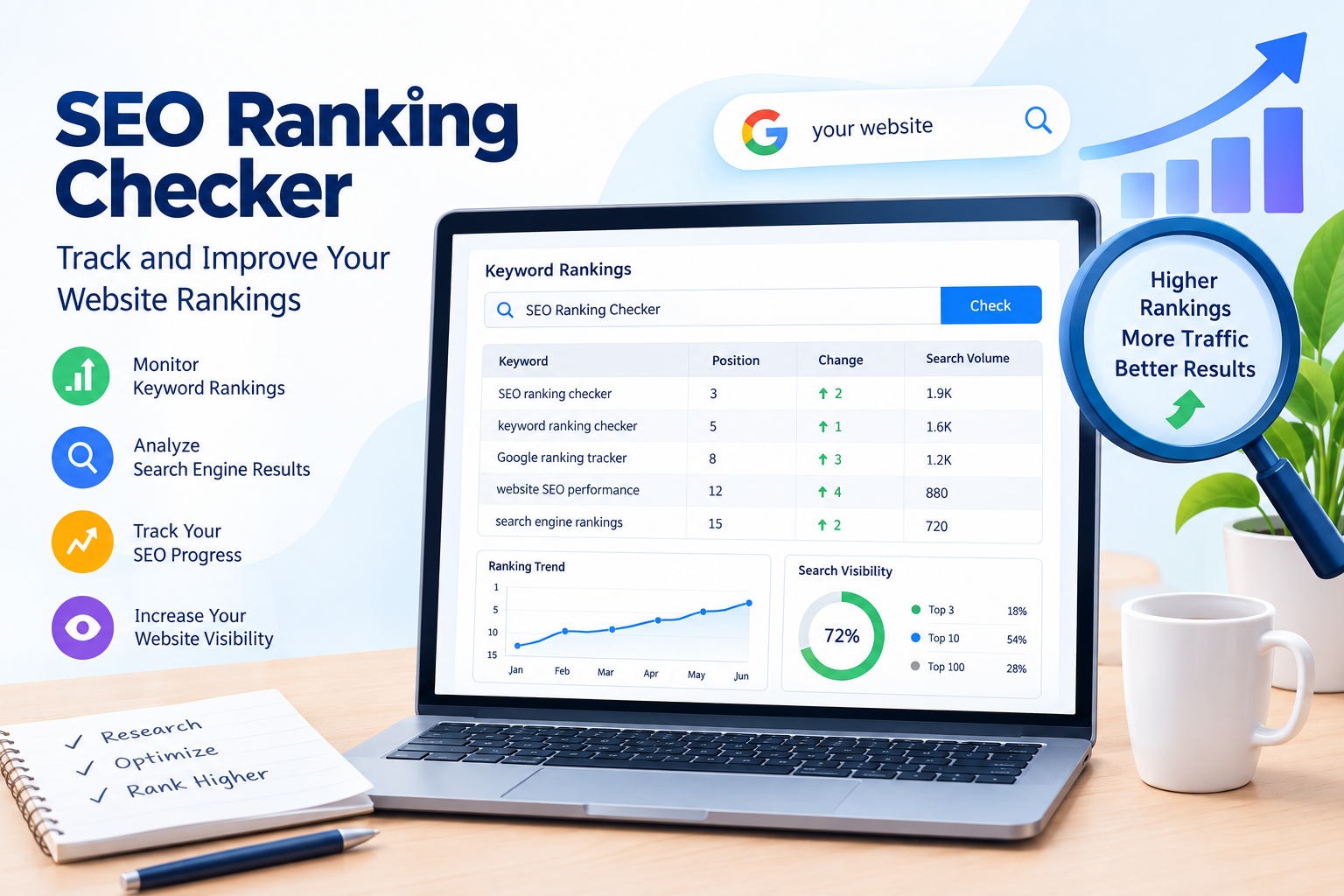
If you have a website or blog, checking your search engine rankings is an important part of search engine optimization (SEO). You may create high-quality content, use relevant keywords, and improve your website, but how do you know whether your efforts are producing results? An SEO ranking checker helps you monitor your website’s keyword positions on search engines like Google.
Tracking your rankings allows you to understand how your website performs in search results, identify changes, and discover opportunities to improve your SEO strategy. Whether you are a beginner, blogger, or business owner, using a keyword ranking checker can help you make more informed decisions about your website.
In this blog, we will explain what an SEO ranking checker is, how it works, why ranking tracking matters, and how you can use it to improve your website’s visibility.
What Is an SEO Ranking Checker?
An SEO Ranking Checker is a tool that helps you check where your website appears in search engine results for specific keywords. It is also known as a keyword ranking checker or Google ranking tracker.
For example, imagine you have written a blog about “how to get backlinks.” You want to know whether your blog appears on Google’s first page when someone searches for that keyword. An SEO ranking tool can help you monitor your website’s position for that search term.
These tools may provide information such as:
- Keyword position in search results.
- Search engine ranking changes.
- Search visibility.
- Competitor ranking information.
- Desktop and mobile ranking differences.
- Ranking history over time.
Your ranking may change depending on the search location, device, language, and personalization. Therefore, ranking data should be interpreted as an estimate or measurement from a particular tool and not as a guarantee of what every user sees.
Why Is Tracking Your SEO Ranking Important?
Tracking your search engine rankings helps you understand whether your SEO strategy is working. Publishing a blog is only one part of SEO. You also need to monitor how your content performs and identify areas that need improvement.
Here are some important reasons to track keyword rankings.
1. Measure Your SEO Performance
An SEO Ranking Checker helps you monitor your website’s performance for targeted keywords. When you track rankings over time, you can identify whether your pages are moving upward, declining, or remaining relatively stable.
For example, your blog may initially appear on the fifth page of Google and later move closer to the first page. This change can help you evaluate the impact of your content improvements and other SEO activities.
However, ranking changes do not always result from your actions. Search engine updates, competition, and changes in search results can also influence performance.
2. Identify Ranking Opportunities
Keyword tracking can help you discover pages that are already ranking but have room for improvement. A page appearing on the second page for a relevant keyword may be worth reviewing.
You can improve the page by:
- Updating outdated information.
- Improving content clarity.
- Answering user questions more effectively.
- Adding relevant internal links.
- Improving the page title and meta description where appropriate.
These improvements should focus on helping users rather than adding keywords unnecessarily.
3. Understand Your Website Visibility
Website visibility refers to how easily users can discover your website through search engine results. Monitoring keyword positions provides one way to understand your search performance.
For example, if several of your blogs rank for relevant search queries, you may be reaching users who are interested in your content. However, rankings alone do not represent complete website visibility. Search impressions, clicks, and the type of search results also matter.
You can use Google Search Console to review search performance data for your website.
How Does an SEO Ranking Checker Work?
An SEO Ranking Checker collects ranking information for selected keywords and websites. The exact process depends on the tool you use.
Here is a basic explanation of how keyword rank tracking works:
Step 1: Enter Your Website
First, add your website URL to the SEO tracking tool. Some tools may require you to create a project before monitoring your website.
Step 2: Add Your Target Keywords
Enter the keywords you want to track. These could include keywords such as “SEO tools free,” “how to get backlinks,” or “on-page SEO guide.”
Choose keywords that are relevant to your website’s content and audience.
Step 3: Select Your Search Location and Device
Some ranking tools allow you to choose a country, city, language, or device type. These settings are important because search results can differ between locations and devices.
Step 4: Check Your Ranking Data
The tool may show your current position, previous position, ranking changes, and other performance metrics. Review the results to understand how your pages are performing.
Step 5: Monitor Changes Over Time
Regularly check your keyword performance. Looking at ranking trends over weeks or months can provide more useful information than focusing on one day’s position.
Best Tools for Checking Website Rankings
There are several SEO monitoring tools that can help you track keyword rankings. Different tools offer different features, data sources, and pricing options.
1. Google Search Console
Google Search Console is a free tool from Google that helps website owners understand how their websites perform in Google Search.
It provides information such as:
- Search queries.
- Impressions.
- Clicks.
- Average position.
- Click-through rate (CTR).
Google Search Console is especially useful for beginners because it provides data about how your own website appears in Google Search.
It is important to understand that the average position shown in Search Console is calculated from search performance data and may not match a fixed ranking position seen in a manual search.
2. Semrush
Semrush is an SEO platform that offers keyword tracking and other search engine optimization features. Its position tracking functionality can help users monitor keyword performance over time.
Semrush may also provide competitor research and keyword analysis features, depending on the plan and tool being used.
It can be useful for bloggers and businesses that want to organize and monitor their SEO campaigns.
3. Ahrefs
Ahrefs is an SEO toolset that includes keyword research, competitor analysis, and rank tracking features.
Its ranking tools can help users monitor selected keywords and understand search performance. The available features depend on the subscription and specific product.
Before choosing a paid SEO tool, compare its pricing, keyword limits, location tracking, and reporting features.
How to Check Your Website Ranking Using Google Search Console
If you are new to SEO, Google Search Console is a useful starting point for understanding your website’s search performance.
Follow these steps:
Step 1: Open Google Search Console
Visit the official Google Search Console website and sign in using your Google account.
Step 2: Add Your Website
Add your website as a property and complete the verification process. Verification allows Google Search Console to associate search performance data with your website.
Step 3: Open the Performance Report
After accessing your property, open the Search Results report under the Performance section.
Step 4: Review Your Keywords
The report shows search queries that generated impressions and clicks for your website. You can review metrics such as total clicks, total impressions, average CTR, and average position.
Step 5: Analyze Your Results
Select a query to understand how your website performs for that search term. You can also review individual pages to see which content receives search traffic.
Remember that Search Console reports historical performance data, and new websites may need time to accumulate meaningful data.
How to Improve Your Website’s Search Rankings
Using an SEO Ranking Checker is useful, but tracking rankings alone does not improve your website. You need to combine ranking data with effective SEO practices.
1. Create Helpful and Relevant Content
Write content that answers your audience’s questions. Include useful explanations, examples, and information that matches the search intent of your target keyword.
Avoid writing content only to reach a specific word count. A clear and helpful article is more valuable than unnecessary repetition.
2. Improve On-Page SEO
On-page SEO includes improvements made to your website’s pages. These may include optimizing page titles, headings, content structure, internal links, and image alt text.
Use your focus keyword naturally and include related terms where they genuinely fit the topic.
3. Improve Website Speed and Mobile Experience
A website should be easy to use on mobile devices and should provide a smooth browsing experience. Review technical issues that may affect accessibility, loading performance, or user experience.
Google uses various signals to evaluate pages, and page experience is one part of overall SEO.
4. Build Relevant Backlinks
Backlinks are links from other websites to your website. Relevant, naturally earned backlinks can help search engines discover pages and may support your website’s authority.
Focus on creating useful content and building genuine relationships instead of using spammy link-building techniques.
5. Update Existing Content
Review older blogs to identify outdated information, missing explanations, or opportunities to improve readability. Update content when there is a clear reason to do so.
Do not change a page simply because its ranking fluctuates for a short period. Analyze the data before making significant changes.
Common Mistakes to Avoid When Tracking Rankings
Beginners often make mistakes when using keyword rank tracking tools. Understanding these mistakes can help you interpret your data more effectively.
Checking rankings every day: Daily fluctuations are normal. Focus on longer-term trends rather than reacting to every change.
Tracking only one keyword: A website can rank for many related search queries. Monitor a relevant group of keywords to understand performance more broadly.
Ignoring search intent: A high ranking is not the only goal. Your content should match what users are looking for.
Expecting instant results: SEO often takes time, and results depend on competition, content quality, website history, and other factors.
Focusing only on rankings: Also review impressions, clicks, CTR, and conversions when these metrics are available.
Conclusion
An SEO Ranking Checker is a valuable tool for monitoring your website’s keyword positions and understanding your search engine performance. Whether you use Google Search Console, Semrush, Ahrefs, or another keyword ranking checker, tracking your data can help you identify opportunities and evaluate your SEO efforts.
However, ranking tracking is only one part of a successful SEO strategy. To improve your website’s visibility, focus on helpful content, on-page SEO, technical improvements, and relevant backlinks. Monitor your performance consistently and use data to guide your decisions.
If you are starting your SEO journey, begin with Google Search Console and gradually explore additional SEO monitoring tools as your website grows. With regular analysis and meaningful improvements, you can build a stronger foundation for your website’s long-term search performance.