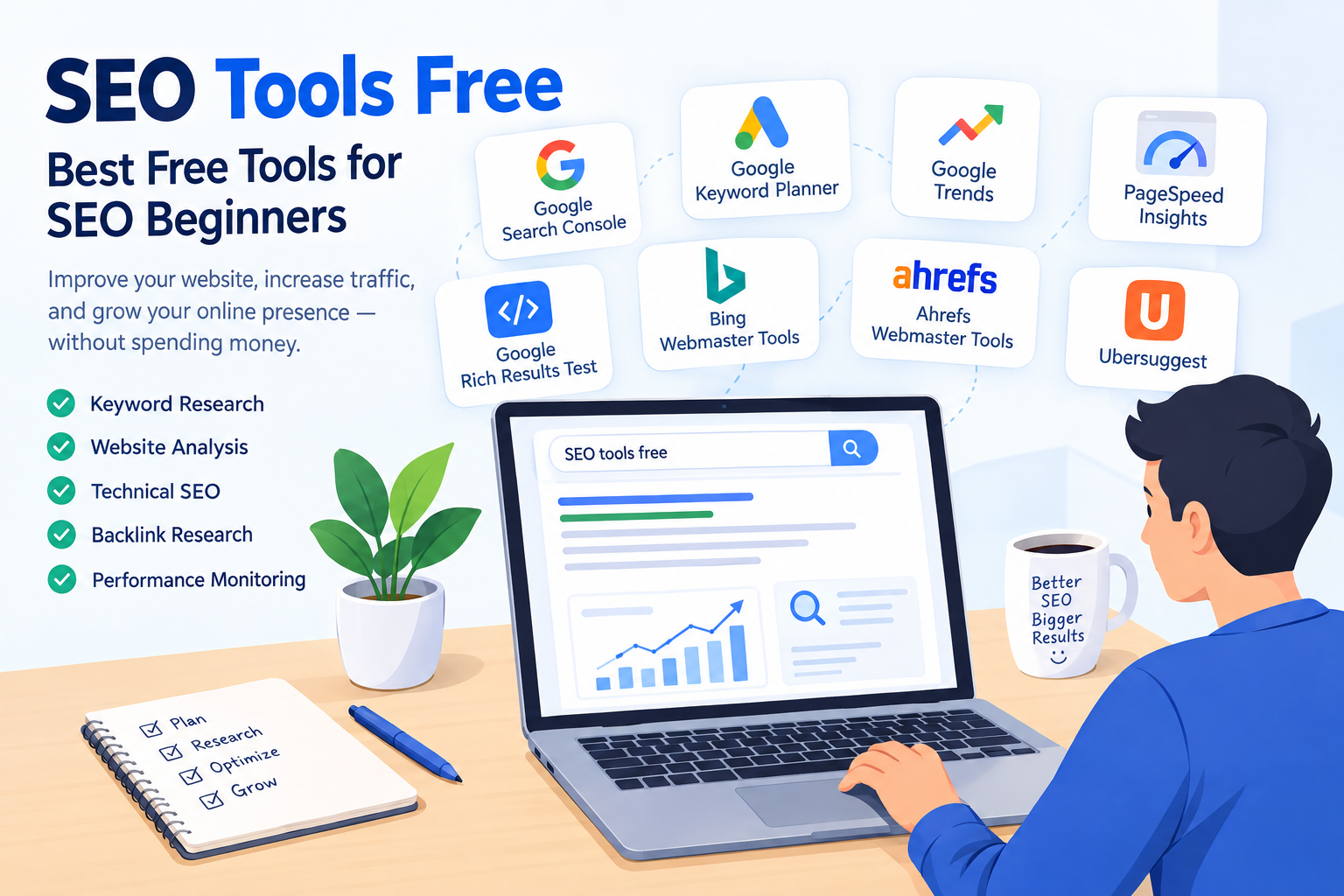
Technical SEO is an important part of search engine optimization that helps search engines crawl, understand, and index your website properly. While on-page SEO focuses mainly on content and off-page SEO focuses on backlinks and authority, technical SEO works behind the scenes to improve the technical performance and structure of a website.
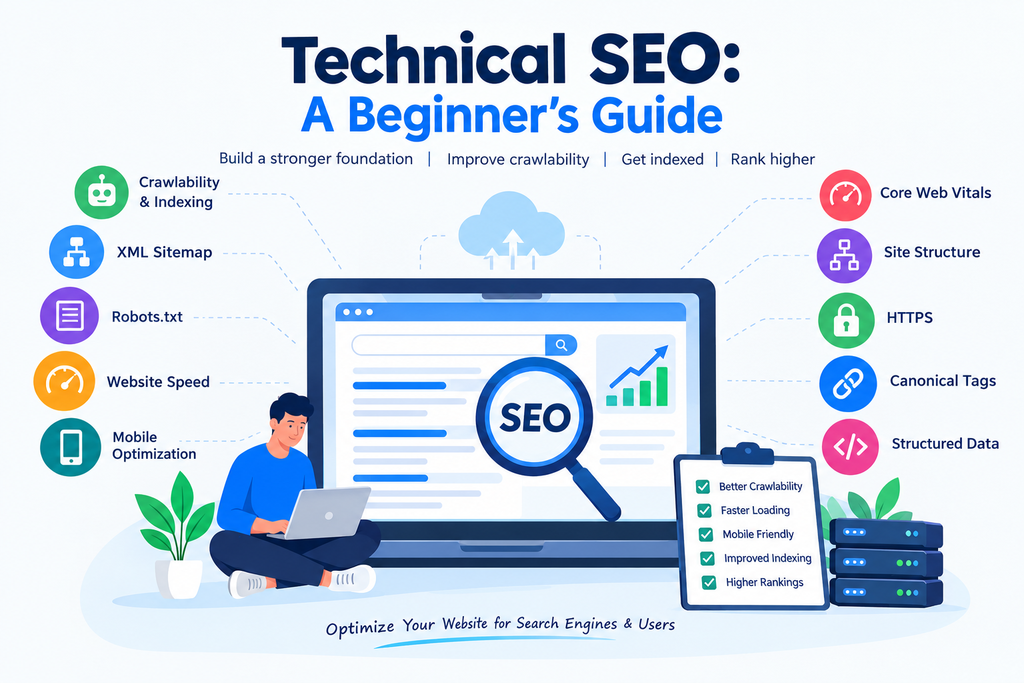
A website can have excellent content and quality backlinks, but technical problems can still make it difficult for search engines to discover and rank its pages. That is why understanding the basics of technical SEO is important for every website owner and SEO beginner.
What Is Technical SEO?
Technical SEO is the process of improving the technical aspects of a website so that search engines can crawl, index, and understand its content more effectively.
It includes areas such as website speed, mobile-friendliness, site structure, crawlability, indexing, XML sitemaps, robots.txt, HTTPS, canonical URLs, and structured data.
The main goal of technical SEO is not simply to make a website look better. It is to create a website that is easy for both users and search engine crawlers to access and understand.
Why Is Technical SEO Important?
Technical SEO is important because search engines need to access and understand your website before they can properly include its pages in search results.
For example, if important pages are blocked from crawling, search engines may not discover them. Similarly, slow loading times or poor mobile usability can create a poor user experience.
Some major benefits of technical SEO include:
- Better website crawlability
- Improved indexing
- Faster page loading
- Better mobile experience
- Clearer website structure
- Improved user experience
- Easier access for search engine crawlers
- Fewer technical errors
Technical SEO does not guarantee higher rankings by itself, but it creates a strong technical foundation for other SEO activities.
Crawlability and Indexing
Crawlability refers to how easily search engine bots can access and explore the pages of your website. Search engines use crawlers to discover URLs and understand website content.
Indexing happens after a search engine processes a page and decides whether it should be stored in its search index.
Both crawlability and indexing are essential parts of technical SEO.
You can check whether Google has indexed your pages using Google Search Console. The Page Indexing report can help identify pages that are indexed, excluded, or experiencing indexing issues.
Common reasons for indexing problems include:
- Pages blocked by robots.txt
- Noindex tags
- Duplicate content
- Server errors
- Incorrect canonical tags
- Poor internal linking
Fixing these issues can help search engines discover your important pages more efficiently.
Create an XML Sitemap
An XML sitemap is a file that provides search engines with information about important URLs on your website. It can help search engine crawlers discover pages that you want to be considered for indexing.
For many websites, the sitemap is usually available at a URL such as:
yourwebsite.com/sitemap.xml
Your XML sitemap should contain the important, indexable pages of your website. It should not normally contain URLs that you do not want search engines to index.
After creating your sitemap, you can submit it through Google Search Console. Keeping your sitemap updated is also important when you add or remove significant pages.
Use Robots.txt Correctly
The robots.txt file tells search engine crawlers which areas of a website they are allowed or not allowed to crawl.
It can be useful for controlling crawler access to certain parts of a website. However, beginners should be careful when editing this file because accidentally blocking important pages or resources can create SEO problems.
For example, if you unintentionally block an important section of your website, search engines may have difficulty crawling it.
Robots.txt should therefore be used carefully and checked regularly when making technical changes.
Improve Website Speed
Website speed is another important area of technical SEO. Users generally expect websites to load quickly, especially on mobile devices.
A slow website can make it difficult for visitors to find information and may increase the likelihood that they leave the page.
You can improve website speed by:
- Compressing images
- Using modern image formats
- Reducing unnecessary code
- Enabling browser caching
- Minimizing large files
- Removing unnecessary plugins
- Using a reliable hosting service
- Improving server response time
Tools such as Google PageSpeed Insights can help you identify performance problems and provide recommendations.
Focus on Core Web Vitals
Core Web Vitals are a set of metrics used to measure important aspects of page experience, including loading performance, responsiveness, and visual stability.
The main Core Web Vitals are:
- Largest Contentful Paint (LCP): Measures loading performance.
- Interaction to Next Paint (INP): Measures responsiveness to user interactions.
- Cumulative Layout Shift (CLS): Measures visual stability.
Monitoring these metrics can help you identify areas where your website experience can be improved.
Core Web Vitals should be considered alongside other SEO and user-experience factors rather than treated as the only factor that determines rankings.
Make Your Website Mobile-Friendly
A large number of users access websites through smartphones, so mobile optimization is an important part of technical SEO.
A mobile-friendly website should have readable text, properly sized buttons, easy navigation, and content that fits different screen sizes.
Responsive web design is commonly used to make a website adapt to desktops, tablets, and mobile devices.
You can use Google’s mobile-related testing and Search Console reports to identify usability or performance issues affecting your website.
Create a Clear Site Structure
A clear site structure makes it easier for visitors and search engines to understand how different pages are connected.
For example, a website can organize content into categories and subcategories instead of placing every page at the same level.
A simple structure could look like:
Homepage → SEO → Technical SEO → Technical SEO Guide
A well-organized structure can also make internal linking easier. Important pages should be accessible through relevant internal links instead of being isolated from the rest of the website.
Use HTTPS
HTTPS helps protect information exchanged between a website and its visitors. It is implemented through an SSL/TLS certificate.
You can identify an HTTPS website by the padlock or security indicator displayed by modern browsers.
Using HTTPS is an important basic technical requirement because website security contributes to user trust and is also a confirmed Google ranking signal.
If your website still uses HTTP, you should discuss moving to HTTPS with your hosting provider or developer.
Understand Canonical Tags
A canonical tag helps search engines understand which version of a URL should be treated as the preferred version when similar or duplicate pages exist.
For example, the same content may sometimes be accessible through different URLs because of parameters or website configurations.
A properly implemented canonical URL can help communicate your preferred version to search engines.
However, canonical tags should be implemented carefully. They are signals rather than a guarantee that Google will always choose the specified URL.
Add Structured Data
Structured data is a standardized format that helps search engines understand information on a webpage.
For example, structured data can describe information such as articles, products, events, organizations, recipes, or breadcrumbs.
When eligible, structured data can help search engines understand your content and may make your pages eligible for certain enhanced search results.
However, adding structured data does not guarantee that enhanced results will appear.
Fix Broken Links and Errors
Broken links can lead users and search engine crawlers to pages that no longer exist. Regularly checking your website for broken links is therefore useful.
Common technical errors include:
- 404 errors
- Server errors
- Redirect problems
- Incorrect canonical URLs
- Redirect chains
- Duplicate pages
- Missing important pages
You can use tools such as Google Search Console and website crawling tools to identify technical problems.
When a page has permanently moved, a relevant 301 redirect can help send users and search engines to the new URL.
Technical SEO Checklist for Beginners
If you are new to technical SEO, you can start with this simple checklist:
- Make sure your website uses HTTPS.
- Check that important pages can be crawled.
- Submit an XML sitemap.
- Review your robots.txt file.
- Check indexing in Google Search Console.
- Improve website loading speed.
- Make the website mobile-friendly.
- Monitor Core Web Vitals.
- Create a clear site structure.
- Fix broken links and major technical errors.
- Use canonical tags where appropriate.
- Add relevant structured data when applicable.
Final Thoughts
Technical SEO provides the foundation that allows search engines to crawl, understand, and index your website efficiently. It covers many technical elements, including website speed, mobile optimization, crawlability, indexing, XML sitemaps, robots.txt, HTTPS, canonical tags, structured data, and site structure.
You do not need to fix every technical issue at once, especially if you are a beginner. Start by checking your website in Google Search Console, making sure important pages are indexable, improving page speed, and creating a clear website structure.
Once these basics are in place, you can continue improving your technical SEO as your website grows. Combining a technically healthy website with useful content, strong on-page SEO, and quality backlinks can create a stronger overall SEO strategy.