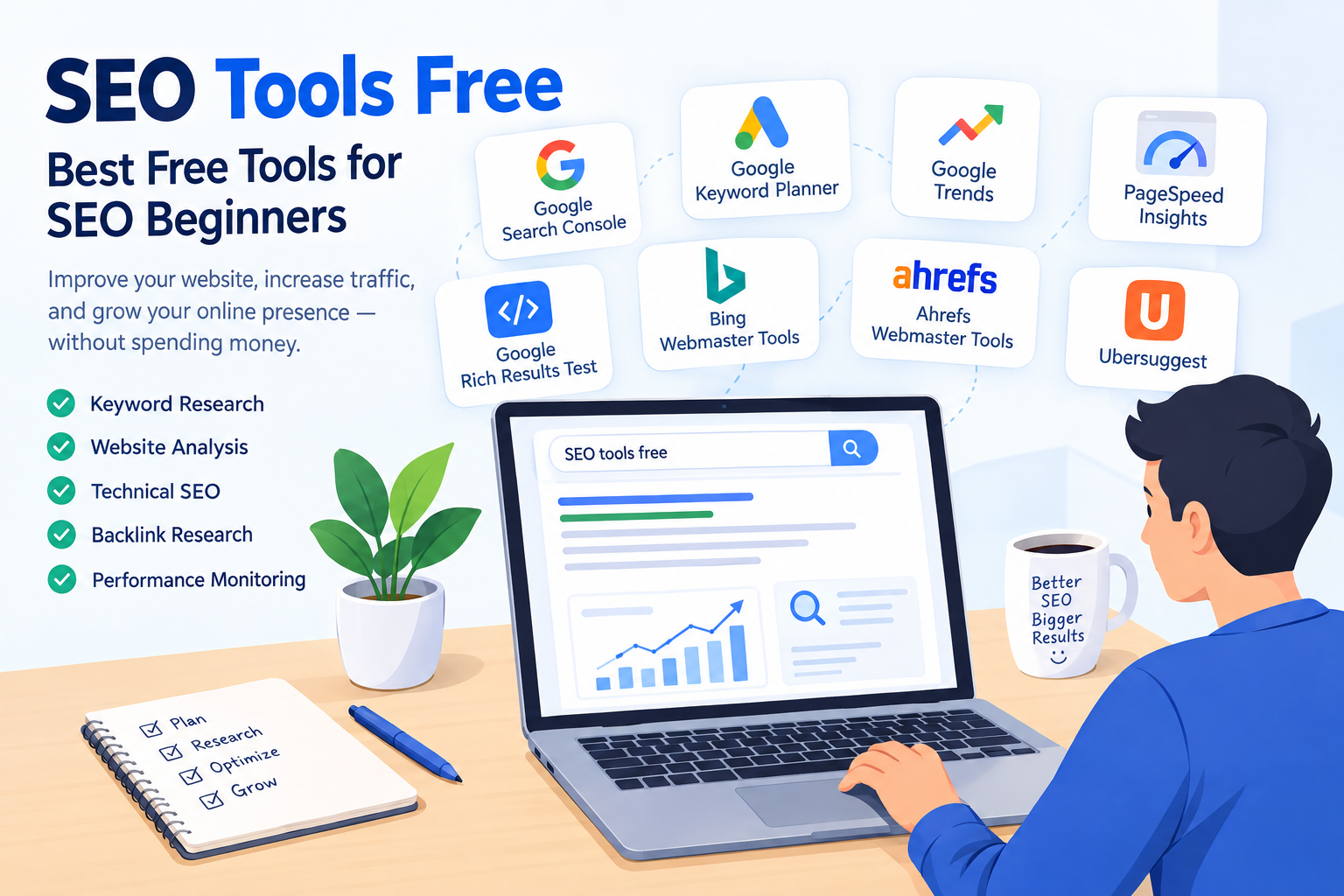
Discover the best Free SEO Tools for keyword research, SEO audits, backlinks, technical SEO, and website optimization. Perfect for beginners and marketers.
Free SEO Tools: Best Tools to Improve Your Website SEO
Introduction
- SEO does not always require expensive software or subscriptions.
- Many powerful Free SEO Tools can help with keyword research, technical SEO, backlinks, website performance, and content optimization.
- Bloggers, beginners, freelancers, business owners, and digital marketers can use these tools to improve their website’s search visibility.
- In this guide, you will discover useful SEO tools for different SEO requirements.
- You will also learn how to choose the right tool according to your SEO goals.
What Are Free SEO Tools?
- Free SEO Tools are online platforms, applications, or software that provide SEO-related features without requiring a paid subscription.
- They can help you discover relevant keywords.
- You can identify technical SEO problems on your website.
- You can analyze backlinks and referring domains.
- You can check website speed and performance.
- You can research competitors and content opportunities.
- Free SEO Tools for Beginners can be especially useful for people who are learning SEO and want to practice without an initial investment.
Why Should You Use Free SEO Tools?
1. Keyword Research
- Discover what people are searching for.
- Find relevant keywords for your content.
- Identify long-tail keyword opportunities.
- Understand different search intents.
- Find potential topics for blog posts.
- Free Keyword Research Tools can help beginners start their keyword research process.
2. Website SEO Audits
- Find broken links.
- Identify missing or poorly optimized meta tags.
- Discover technical SEO problems.
- Check important website elements.
- Analyze basic website health.
- Free SEO Audit Tools can help you identify issues that may affect your website’s SEO performance.
3. Website Performance
- Check website loading speed.
- Analyze mobile performance.
- Review Core Web Vitals.
- Identify performance issues.
- Find opportunities to improve page experience.
- Free Website SEO Tools can help you monitor different aspects of website optimization.
15 Best Free SEO Tools
1. Google Search Console
- Google Search Console is an official Google platform for monitoring website performance in Google Search.
- View search queries.
- Monitor clicks and impressions.
- Identify indexing issues.
- Submit and monitor sitemaps.
- Check pages indexed by Google.
- Monitor search performance.
2. Google Keyword Planner
- Discover keyword ideas.
- Research keyword demand.
- Find related search terms.
- Explore potential keywords for content.
- Plan keywords for SEO and advertising campaigns.
3. Google Trends
- Analyze search trends over time.
- Compare multiple search terms.
- Discover trending topics.
- Identify seasonal trends.
- Compare interest across different locations.
- Find topics that are gaining search interest.
4. Google Analytics
- Monitor website traffic.
- Understand where visitors come from.
- Analyze user behavior.
- Track organic traffic.
- Measure website engagement.
- Understand how visitors interact with your website.
5. Google PageSpeed Insights
- Test website performance.
- Analyze mobile and desktop performance.
- Check Core Web Vitals.
- Identify page speed problems.
- Get recommendations for improving website performance.
6. Bing Webmaster Tools
- Monitor Bing search performance.
- Check website indexing.
- Analyze search queries.
- Identify SEO issues.
- Submit and manage website sitemaps.
- Understand how your website performs in Bing Search.
7. Ahrefs Webmaster Tools
- Analyze your website’s SEO health.
- Check backlinks.
- Identify technical SEO problems.
- Crawl your website.
- Find SEO issues that may require attention.
8. Semrush Free Tools
- Perform basic keyword research.
- Research competitors.
- Analyze websites.
- Explore SEO opportunities.
- Access various SEO-related reports and tools.
9. Ubersuggest
- Discover keyword ideas.
- Find content ideas.
- Research competitors.
- Analyze basic SEO metrics.
- Explore related keywords.
10. Screaming Frog SEO Spider
- Crawl websites.
- Find broken links.
- Analyze page titles.
- Check meta descriptions.
- Identify technical SEO issues.
- Review important on-page SEO elements.
11. Yoast SEO
- Useful for WordPress websites.
- Provides on-page SEO recommendations.
- Helps manage meta titles and descriptions.
- Supports XML sitemaps.
- Helps optimize content for search engines.
12. Rank Math
- WordPress SEO optimization.
- On-page SEO recommendations.
- Schema markup support.
- Meta title and description management.
- SEO analysis features.
13. AnswerThePublic
- Discover questions people search for.
- Find question-based keywords.
- Generate content ideas.
- Understand potential search intent.
- Find topics based on real search queries.
14. SEO Minion
- Check broken links.
- Analyze on-page SEO elements.
- Preview SERPs.
- Perform basic SEO checks.
- Useful for quick browser-based SEO analysis.
15. Keyword Surfer
- View keyword information directly in Google search results.
- Discover related keyword ideas.
- Research content topics.
- Explore estimated search volume information.
- Useful for quick keyword research.
Free SEO Tools vs Paid SEO Tools
| Feature | Free Tools | Paid Tools |
|---|---|---|
| Keyword Research | Basic | Advanced |
| SEO Audit | Basic | Detailed |
| Backlink Data | Limited | More Extensive |
| Competitor Analysis | Limited | Advanced |
| Historical Data | Limited | Usually More |
| Cost | Free | Subscription |
- Beginners can start with free tools to learn SEO and perform basic optimization.
- Larger websites may require more advanced data.
- Agencies and professional SEO teams may need additional features for large-scale campaigns.
- The right choice depends on your website size, SEO goals, and budget.
Free SEO Tools Checklist
Use this checklist when working on your website:
- Set up Google Search Console
- Set up Google Analytics
- Perform keyword research
- Identify search intent
- Check website speed
- Perform a technical SEO audit
- Check broken links
- Monitor backlinks
- Research competitor keywords
- Optimize important pages
- Update old content
- Monitor organic traffic
- Track keyword rankings
- Review SEO performance regularly
Frequently Asked Questions
What are the best free SEO tools?
Some commonly used options include Google Search Console, Google Keyword Planner, Google Trends, PageSpeed Insights, Bing Webmaster Tools, and Ahrefs Webmaster Tools. Different tools are useful for different SEO tasks.
Can I do SEO without paying for tools?
Yes. Many basic SEO activities can be performed using free tools. However, advanced keyword research, competitor analysis, backlink data, and large-scale SEO features may require paid platforms.
Which SEO tool is best for beginners?
Beginners can start with Google Search Console, Google Keyword Planner, Google Trends, and PageSpeed Insights. These tools cover several fundamental SEO tasks and are useful for learning the basics.
Are free SEO tools accurate?
The accuracy of SEO data can vary between tools because different platforms may use different data sources and methodologies. For important SEO decisions, comparing information from multiple reliable sources can provide better context.
Can free SEO tools improve Google rankings?
SEO tools themselves do not directly improve rankings. They provide data and insights that can help you identify problems, research keywords, improve content, and make technical improvements that may support better search performance.
Conclusion
- You do not need a large SEO budget to start optimizing a website.
- The right Free SEO Tools can help with keyword research, technical SEO, website performance, backlinks, and content planning.
- Beginners can start with Google’s free tools and gradually add other platforms as their requirements grow.
- Different tools should be selected according to the specific SEO task.
- The most important step is not simply collecting SEO data but using that data to make practical improvements to your website.
- With consistent research, optimization, and monitoring, Free SEO Tools can become an important part of a website’s SEO workflow.